If the room looks bright, why does the desk still need its own light?
Editorial illustration. Product behavior and final measurements remain subject to engineering validation.
The short answer
Room brightness, light at the work surface and light on the face are different conditions. A useful task light manages their relationship instead of simply making everything brighter.
Judge the light where the work happens: screen surroundings, keyboard, page, fine detail and - during a call - the face.
A bright room is not the same as a well-lit task
A ceiling light can make the room feel bright while leaving the keyboard, paper or face in a less useful direction of light. A window can add plenty of daylight and still create a bright reflection or backlight the person on camera. The relevant question is not only how bright the room looks, but what reaches the actual task position.
OSHA guidance recommends arranging workstations and lighting to avoid reflected glare on the display and surrounding surfaces. It also distinguishes tasks: printed material may need a larger, brighter lighted area, while computer work benefits from more controlled and focused light.
Why one fixed setting cannot serve the whole desk
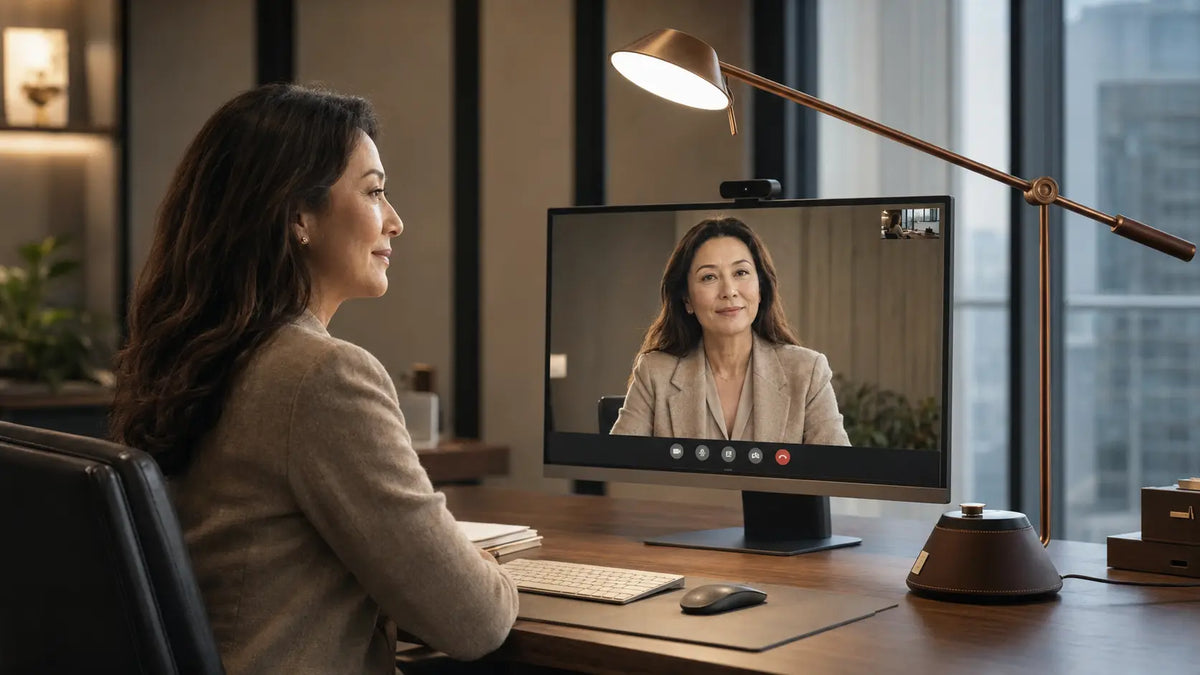
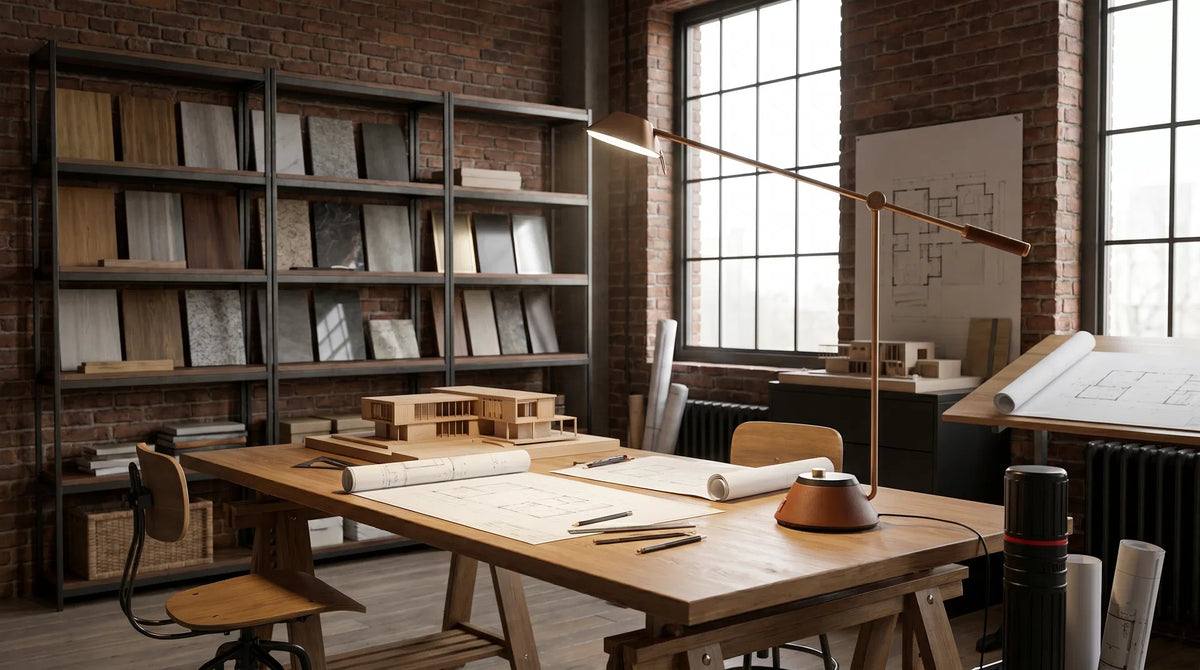
Screen work, handwritten notes, detailed making and video meetings are different visual tasks even when they happen in the same chair. The keyboard needs useful surrounding visibility; paper needs light on detail; the face needs a controlled direction before a call.
This is the gap Anchor is designed to address on a fixed-height primary desk. Axis serves the same task-light idea across a larger work area or sit-stand desk. Final fit still depends on dimensions, placement and verified production measurements.
What the product still has to prove
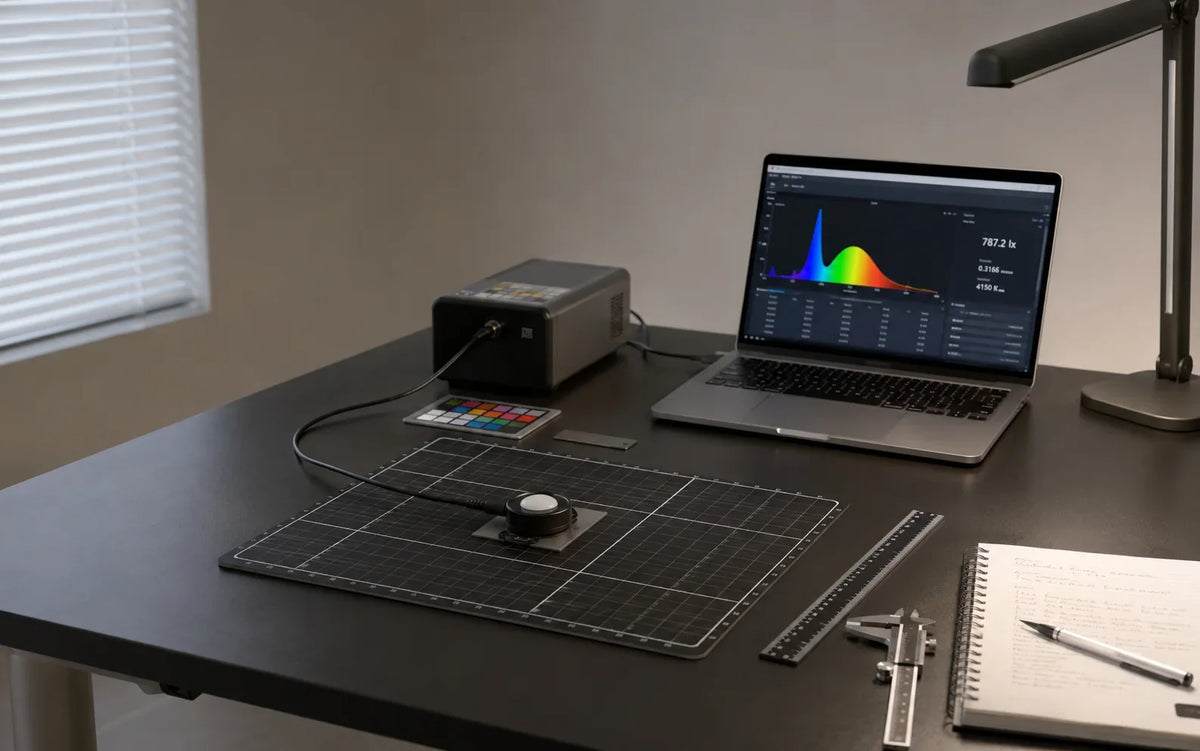
A credible task-light claim requires final measurements of distribution, uniformity, glare, flicker, spectrum and real placement conditions. Those engineering values will be published after the production specification is frozen.
What this does not prove
The evidence boundary
Lighting is one part of workstation ergonomics. It does not diagnose or treat dry eye, refractive error, headache or other causes of discomfort.
Questions people ask
Practical questions
Do I need a task light if my home office already looks bright?
Possibly. Room brightness does not show whether useful light reaches the keyboard, page, detailed work or face without screen reflections and uncomfortable contrast. Assess the actual task positions.
Should the task light shine on the screen?
Usually the goal is useful visibility around the display without a bright source or reflection competing with it. Placement, screen finish, room light and the task all matter.